
A darkroom timer for iPhone that controls your enlarger.

Control your enlarger with Darkplug and a compatible smart plug on your local network. Built for film photographers and darkroom printers, Darkplug combines precise timing, guided workflows, and a red-on-black interface designed for darkroom use.
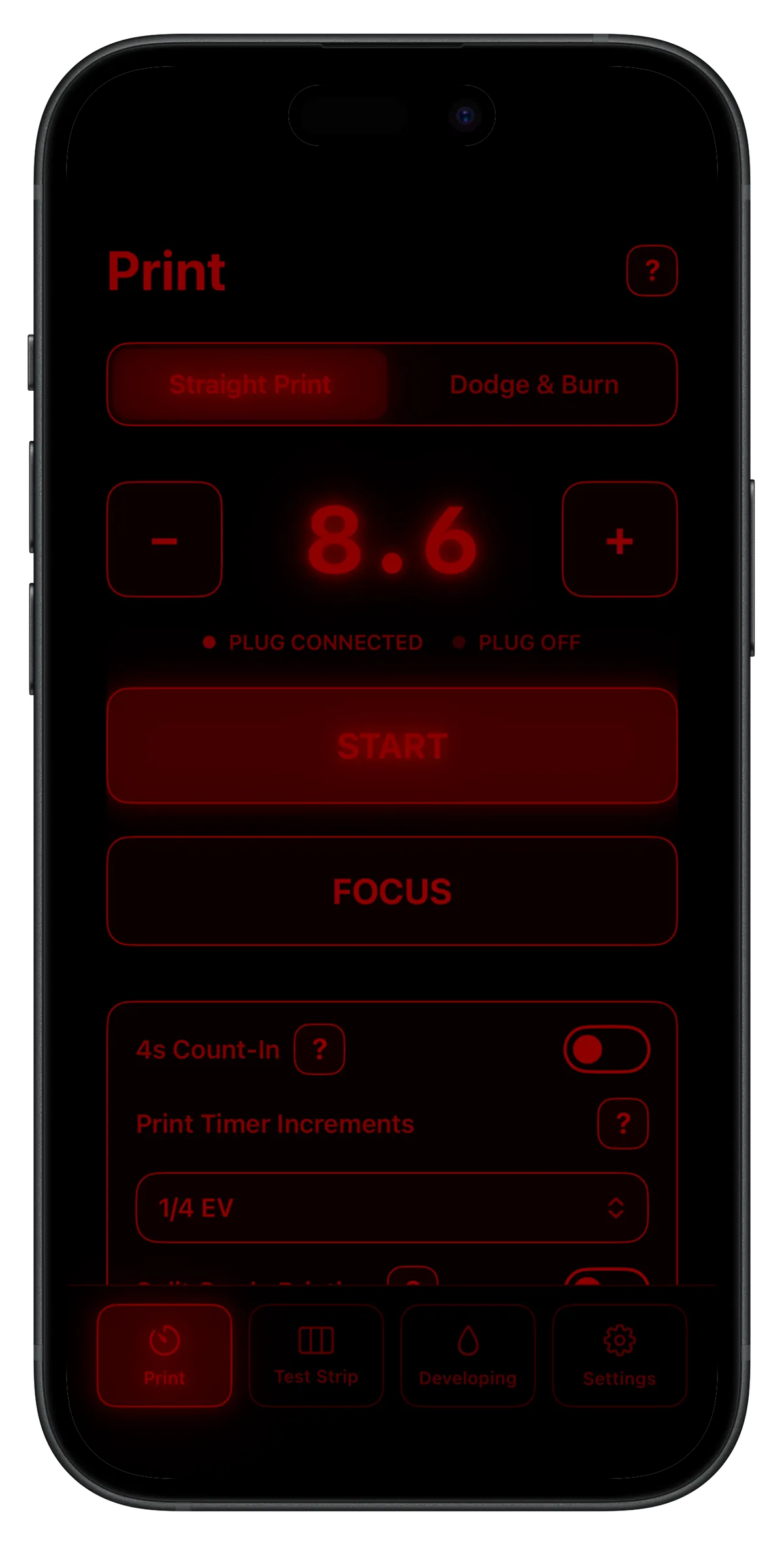
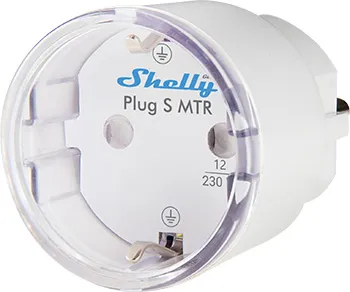
☝️ You only need this beside your enlarger and you are set (EU model pictured).
Designed for darkroom printing
Darkplug times exposures like a classic darkroom timer, and also provides more advanced printing workflows with a very unique feature set. Whether you are making a straight print, testing exposure, planning a complex dodge and burn sequence, or doing split grade printing, Darkplug keeps the process fast and straightforward.
Darkplug uses a red-on-black interface designed to stay safe to next to photo paper. The controls are simple, legible in low light, and focused on the task in front of you. The red colour was chosen and tested so that it does not fog paper.
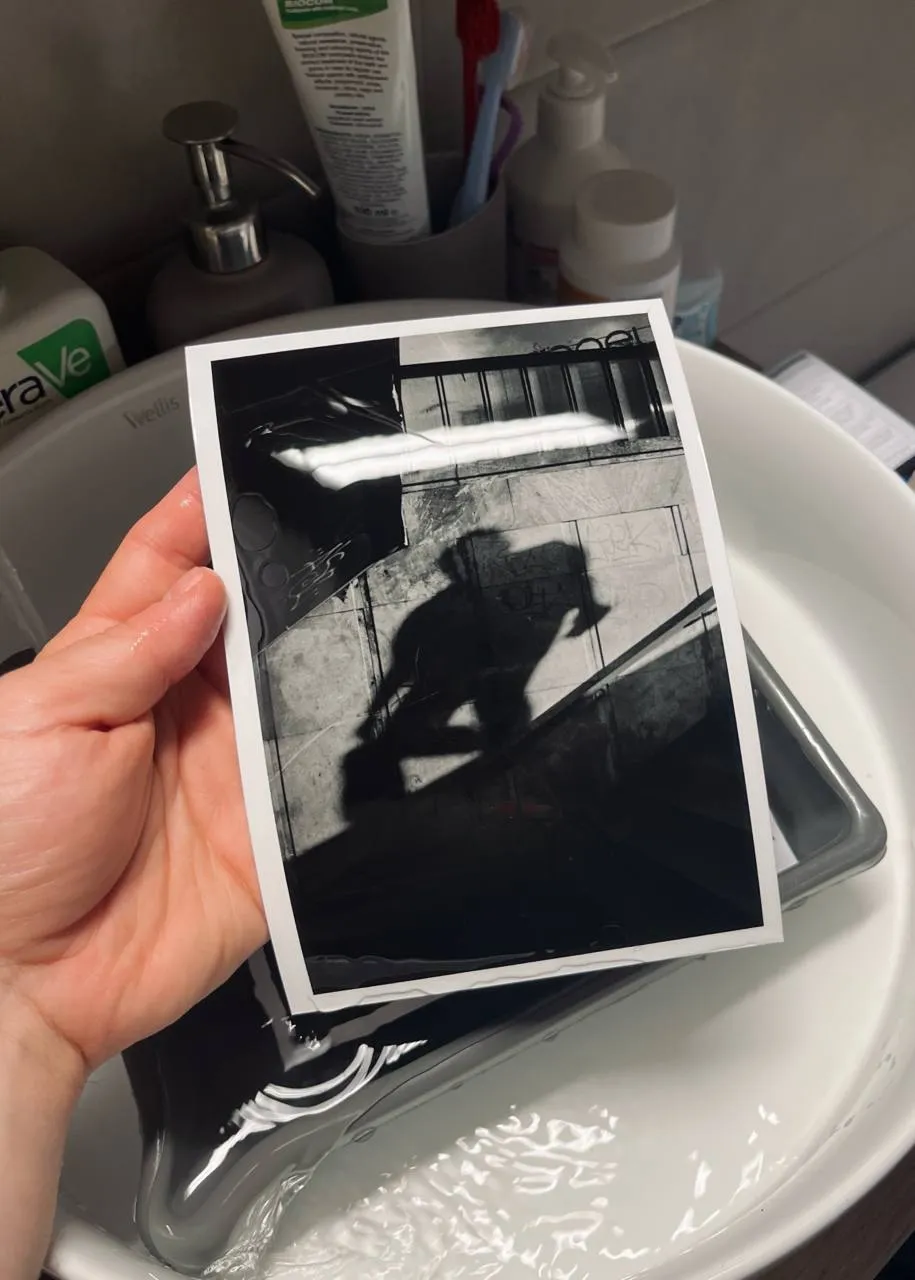
What you can do with Darkplug
- Time straight prints
- Add an optional 4-second count-in
- Control the timer with F-Stop steps (Darkplug+ feature)
- Run guided test strips with second or F-Stops increments (Darkplug+ feature)
- Plan and execute complex dodge and burn steps with an easy to understand unique grid system (Darkplug+ feature)
- Save and restore dodge and burn plans with reusable plan codes (coming soon as a Darkplug+ feature)
- Split grade (two channel) print timer (Darkplug+ feature)
- Use a guided paper developing timer (Darkplug+ feature)
Darkplug+
Darkplug+ unlocks advanced tools and workflows for printers who want more control.
It is available as a one-time in-app purchase. No subscriptions.
How it works
Set up your smart plug and note its local IP address. Make sure the plug and your iPhone or iPad share the same local network. Connect your enlarger to the smart plug. Enter the plug’s local IP address in Darkplug, and connect. Once set up, you can control the enlarger directly from your iPhone or iPad.
Compatible smart plugs
Darkplug works with the following smart plugs manufactured by Shelly:
- Shelly Plus Plug S Gen2 🇪🇺
- Shelly Plus Plug UK Gen2 🇬🇧
- Shelly Plug S Gen3 🇪🇺
- Shelly Outdoor Plug S Gen3 🇪🇺
- Shelly Plug M Gen3 🇪🇺
- Shelly Plug US Gen4 🇺🇸
Support
For questions, feedback, or support, email me at [email protected].
FAQ
See here.
Privacy
Darkplug is developed by Péter Szentkirályi. For information about privacy and data handling, read the Privacy Policy.
Terms of Use
Read the Terms of Use.
Get Darkplug
Darkplug is available now on the App Store.