Over the years — including during my time at OpenAI — I’ve experimented with different methods for generating random gradient images. These include:
Heightmap
Randomly generated gradients were an essential element of OpenAI’s early visual identity, designed by Ben Barry in 2017. His earliest generator randomly picked four corner colors and interpolated between them.
After I joined Ben at OpenAI in 2018, I began exploring more ways to create gradients programmatically. An engineer friend suggested using heightmaps: grids of cells, each containing a height value ranging between 0 and 1.
I developed an implementation in Processing that used randomized noise generation (a modified and smoothed Perlin noise) to populate height values.
Smoothed Perlin noise heightmaps.
Heightmaps are often visualized as grayscale images, mapping values to a simple black-to-white color scale where lower values are dark and higher values are light.

But we can also apply any color scale to these values. I generated randomized scales by creating color stops with varied locations, hues, saturations, and brightness, and then interpolating a smooth blend between them.
Randomized and blended color scales.
Putting it all together, I mapped these randomized color scales to the randomized heightmaps, resulting in organic, striking gradients.
These gradients didn’t feel quite right for OpenAI’s visual identity so never made it to production, but they’re nevertheless lovely to look at.
Layered radial
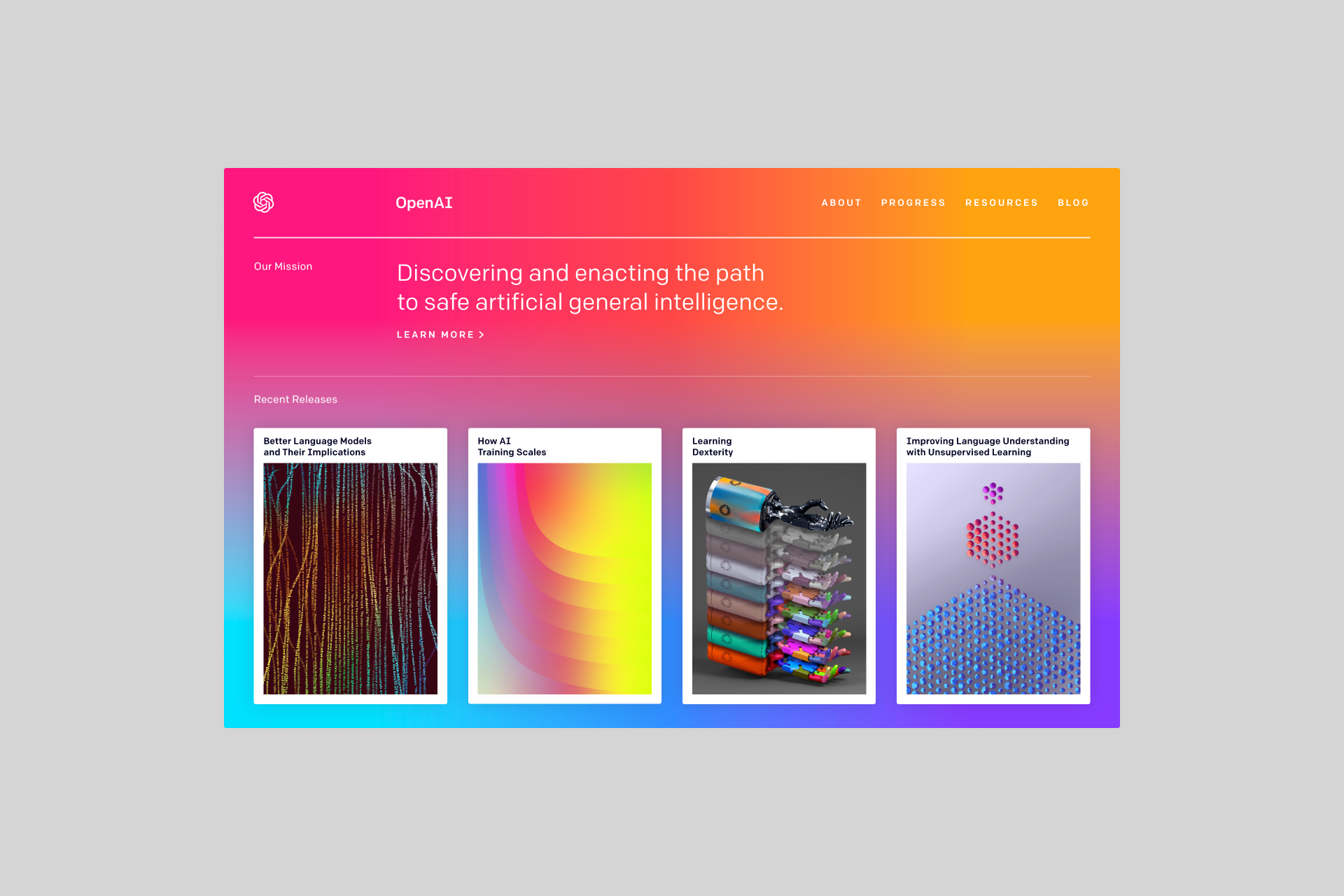
In early 2019, OpenAI’s home page displayed a vibrant, full-screen gradient. The implementation was simple: a tiny, 2×3 pixel image of six color stops, which produced a smooth gradient when scaled up by web browsers. It weighed just 85 bytes (about the size of a brief text snippet) and loaded virtually instantly.
While performant and clever, the gradient was static. About a year later, I developed a gradient implementation in Scalable Vector Graphics (SVG) that could be dynamically randomized while maintaining performance.
SVG includes a native <radialGradient> element, which defines a radial gradient containing color stops. To introduce variety and visual interest, you can adjust the focal point and apply transformations like scale, rotation, skew, and translation.
Basic SVG radial gradients, with varied focal points and transformations.
Layering a sequence of randomly transformed radial gradients on top of each other yielded a more complex composite gradient.
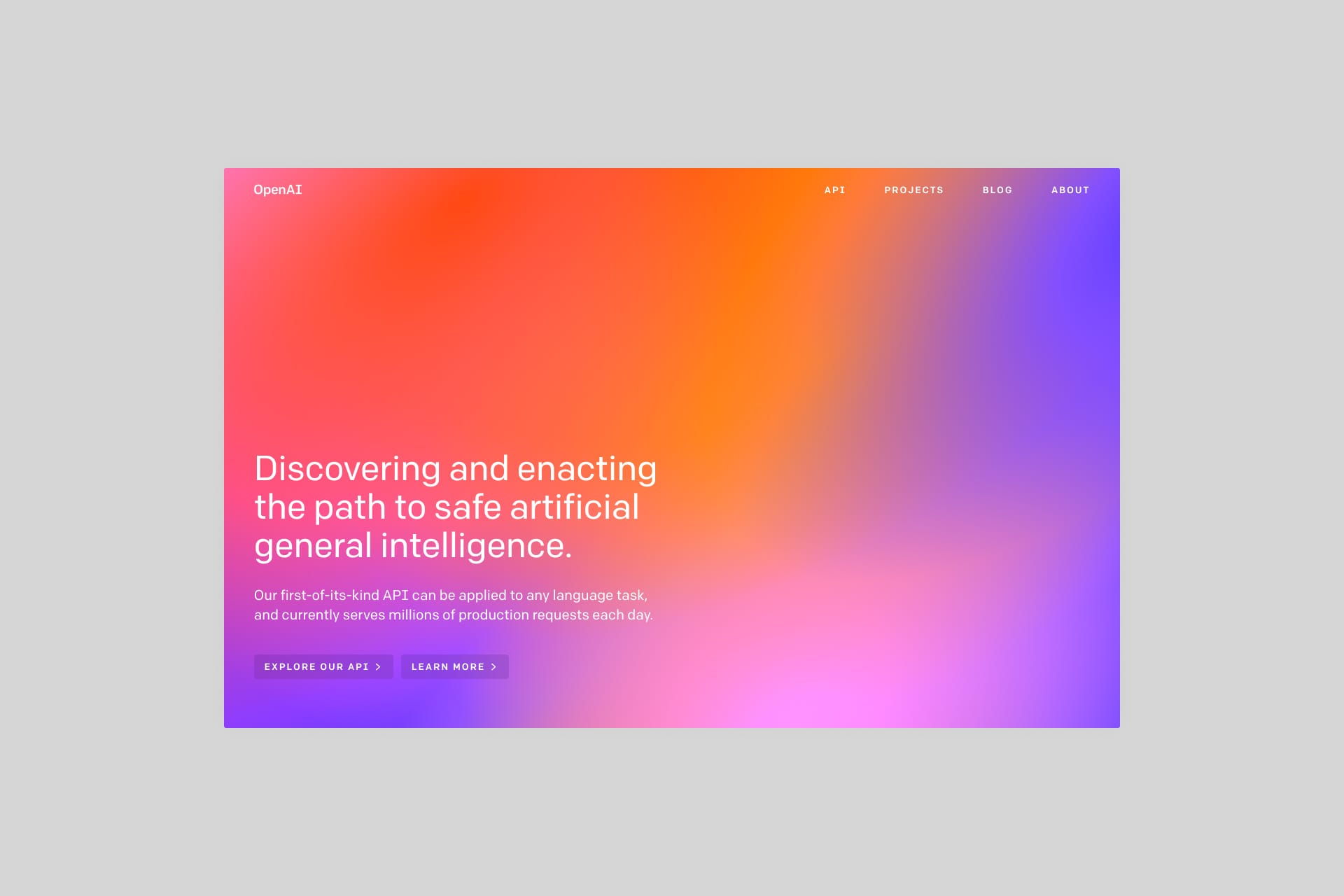
OpenAI’s home page from early 2020 featured layered radial gradients picked from a set of four colors. Each page load dynamically served a unique, one-off gradient to every visitor.
Examples from this implementation are shown below. Each SVG image scales infinitely without loss of quality and maintains performance by weighing just 6 KB (about the size of a small text document).
I used this method often over the years to produce gradients — both colorful and subtle, light and dark — for various applications of the OpenAI brand.
AI-generated
AI image generation models, which didn’t exist when Ben and I first experimented with gradients, now open up a wealth of possibilities. While the process of using them can be unpredictable — more akin to a slot machine than exact science — they offer exciting opportunities, and the technology and tools are only getting better.
Below, I demonstrate three proofs of concept for generating textural gradient images, using OpenAI’s DALL·E 2 model (a favorite of mine since its release back in April 2022).
To explore an airy, dreamlike look, you can use a prompt along the lines of:
soft, abstract gradient with blurred transitions of vibrant hues, creating a serene, dreamlike atmosphere
To go for a floral direction with bolder textures, use a prompt such as:
abstract macro photograph of a flower in the style of a mid-century color field painting, hazy, out of focus
To pursue a sky-inspired, naturally soothing gradient, you can use a prompt like:
bright hazy illustration of the sky at sunset, out of focus, evoking motion, 35mm, varied contours, vivid, brilliant, optimistic, wide spectrum of colors
Aside from cropping, the images shown are raw, unedited outputs.
The results can be unexpected yet delightful. Play that slot machine enough times, and you’ll get some payouts.
With tools like DALL·E 2, constraints open up creativity. I’ve showcased three directions here, but the possibilities are endless.