Experiments With Plotter Art
For the past couple of weeks I have been trying to learn more about generative (procedural) art. I plan to update this post continually when I have more things to write down and share.
Around five years ago I bought an Ender 3 3D printer. It is capable, but frustrating to configure and picky about the filament. They go second-hand for around €60. For the past couple of years it has been collecting dust stored safely in its original cardboard box.
I have glued two small neodymium magnets to a 0.2mm fineliner pen. The printer head casing is made of metal and the magnets attach to it securely enough. The position of the pen has to be offset in relation to the nozzle – either in the configuration or when preparing the gcode.
I have been using Inkscape to generate gcode from vector paths (in Extensions → Gccodetools → Path to Gcode). It runs on the printer without any modifications. Inkscape also comes with some stroke-based (engraving) fonts, including Hershey fonts (in Extensions → Text → Hershey Text) – with normal fonts, the plotter would draw the outlines of the characters, which doesn’t work very well.
Inkscape doesn’t support scripting natively, but there is an extension called Simple Inkscape Scripting by Scott Pakin and it is just so fun to use. It is very well documented – the API feels similar to p5.js, but it is based on SVG paradigms. It’s Python, so it can be used with Pillow or NumPy, which opens up a lot of possibilites.

Because the set-up is so frictionless, I can spend more time experimenting and learning new techniques.
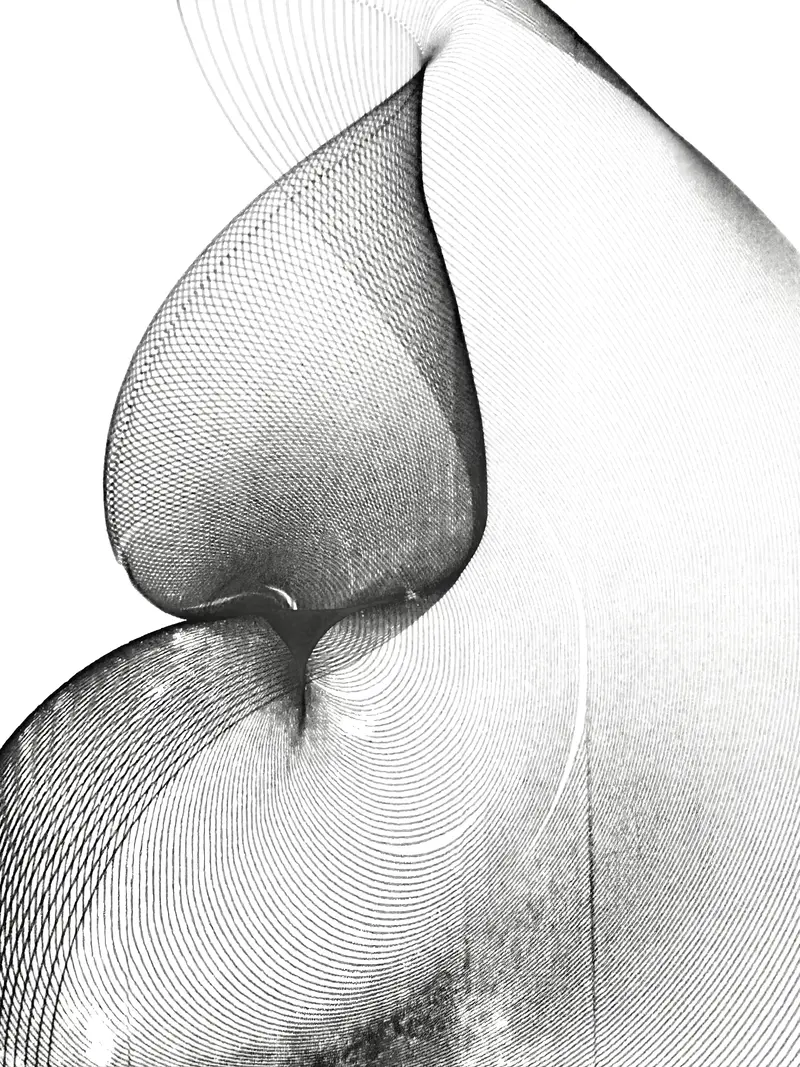
For example, I have been enjoying creating these sort of flowy abstract shapes that I learned about from this article. The author uses different tooling, but the algorithm is pretty much the same as in my Python implementation:
import math

for shape in selected_shapes():
  for i in range(150):
      copy = duplicate(shape)
      copy.rotate(i * math.sin(math.radians(i)), "center")
      copy.scale((i + 1) / 100)
      copy.translate((0, i * 0.2))
  shape.remove()
In Inkscape, I draw a shape, select it, and run the script (in Extensions → Render → Simple Inkscape Scripting). I think it’s really interesting that the input for the script can be drawn by hand – it feels very natural and intuitive.